
 English
 Français
 日本語
 العربية
 繁体中文
 简体中文


Android Auto UI Validation: Are Screen Layout and Driver-Distraction Rules Being Checked?
Olivia | Blue Asia
Email: [email protected]
WhatsApp: +86 176 6360 6879
A car application may function perfectly on a smartphone, but does that automatically mean it is ready for an in-vehicle environment?
Not necessarily.
For automotive software developers, UI compatibility, display behavior, and driver-distraction considerations are important aspects of application quality. Google's Car App Quality guidelines provide a structured reference for evaluating applications designed for Android Auto and Android Automotive OS.
Understanding these requirements early can help development teams identify potential compatibility issues before submitting their applications for review.
1. Understanding Google's Car App Quality Guidelines
Google provides specific compatibility checklists and testing criteria for different application categories supported by Android Auto and Android Automotive OS.
These categories include media, navigation, messaging, calling, point of interest (POI), Internet of Things (IoT), weather, and other supported experiences.
Importantly, not every requirement applies to every application category.
Developers should first identify their application's category and then review the corresponding quality criteria.
2. Key Areas to Review During UI Validation
A. Screen Rendering and Display Compatibility
For Android Automotive OS, the AR-1 criterion requires interactive UI elements in app-implemented activities not to be obstructed by system bars or display cutouts.
Development teams should review:
Whether interactive elements remain accessible.
Whether system interface elements obstruct important controls.
Whether the application behaves correctly in the intended display environment.
B. Driver-Distraction Considerations
Driver-distraction requirements vary according to application category.
For example, Google's DD-2 criterion applies to video, games, and browser categories. It restricts the visibility and use of these applications while driving, subject to the stated exceptions.
Navigation applications also have specific requirements concerning the use of the navigation audio channel.
Developers should therefore assess application behavior in the context of its intended category and driving mode.
C. Screen Animation and Visual Presentation
The SA-1 criterion applies to specified categories, including media, messaging, calling, navigation, POI, and weather.
These applications must not display animated screen elements such as animated graphics or video, subject to the stated exception for relevant Canvas animations while parked.
Other visual considerations include:
Appropriate image usage.
Display contrast.
Text presentation.
Visual consistency with the in-vehicle environment.
D. Application Responsiveness
Google also defines performance criteria for applicable application categories.
For example:
App-specific buttons must respond within two seconds under DR-1.
Application launch time must not exceed ten seconds under DR-2.
Content loading time must not exceed ten seconds under DR-3.
These criteria make performance validation an important part of the overall development process.
3. What Should Development Teams Validate Before Submission?
A practical pre-submission review can include the following:
1. Application Category
Check the intended application category and identify which Google quality criteria apply.
2. Display Compatibility
Review screen rendering, interactive element accessibility, and relevant display configurations.
3. Driving-State Behavior
Verify that the application follows the applicable driving and parked-mode restrictions.
4. Visual Presentation
Review animation, contrast, image usage, and text presentation against the relevant criteria.
5. Application Performance
Measure button response, application launch, and content loading against the applicable performance requirements.
6. Platform-Specific Testing
Google recommends using the Android Auto Desktop Head Unit (DHU) to validate Android Auto applications and the Android Emulator for Android Automotive OS applications.
The validation environment should match the intended platform.
4. What These Guidelines Do Not Automatically Mean
It is important to distinguish platform quality requirements from general automotive product certification.
Google's Car App Quality guidelines focus on application compatibility and user experience within supported automotive environments.
They should not automatically be interpreted as a replacement for vehicle-level testing, hardware validation, EMC testing, or other applicable automotive compliance requirements.
Likewise, requirements applicable to one application category should not automatically be extended to all other categories.
5. A Practical Approach for Automotive Development Teams
For OEMs, Tier 1 suppliers, and automotive software developers, an effective approach is to integrate compatibility checks into the development process rather than waiting until the final submission stage.
Consider establishing:
A platform-specific validation checklist.
A documented UI and display review process.
Driving-state behavior verification.
Performance test records.
A pre-submission issue-tracking and correction process.
Early validation can help teams identify potential issues before they affect later development and integration activities.
Closing Thoughts
As connected vehicle ecosystems continue to develop, application compatibility and in-vehicle user experience remain important considerations for automotive software projects.
Understanding the applicable platform guidelines and selecting the correct validation environment are essential steps toward a more structured development process.
At Blue Asia, we work in the electronic testing, certification, and global market access field. For automotive projects involving EMC, wireless compliance, and related certification requirements, feel free to contact our team to discuss your project scope and potential support.
Olivia | Blue Asia
Email: [email protected]
WhatsApp: +86 176 6360 6879
 Blog
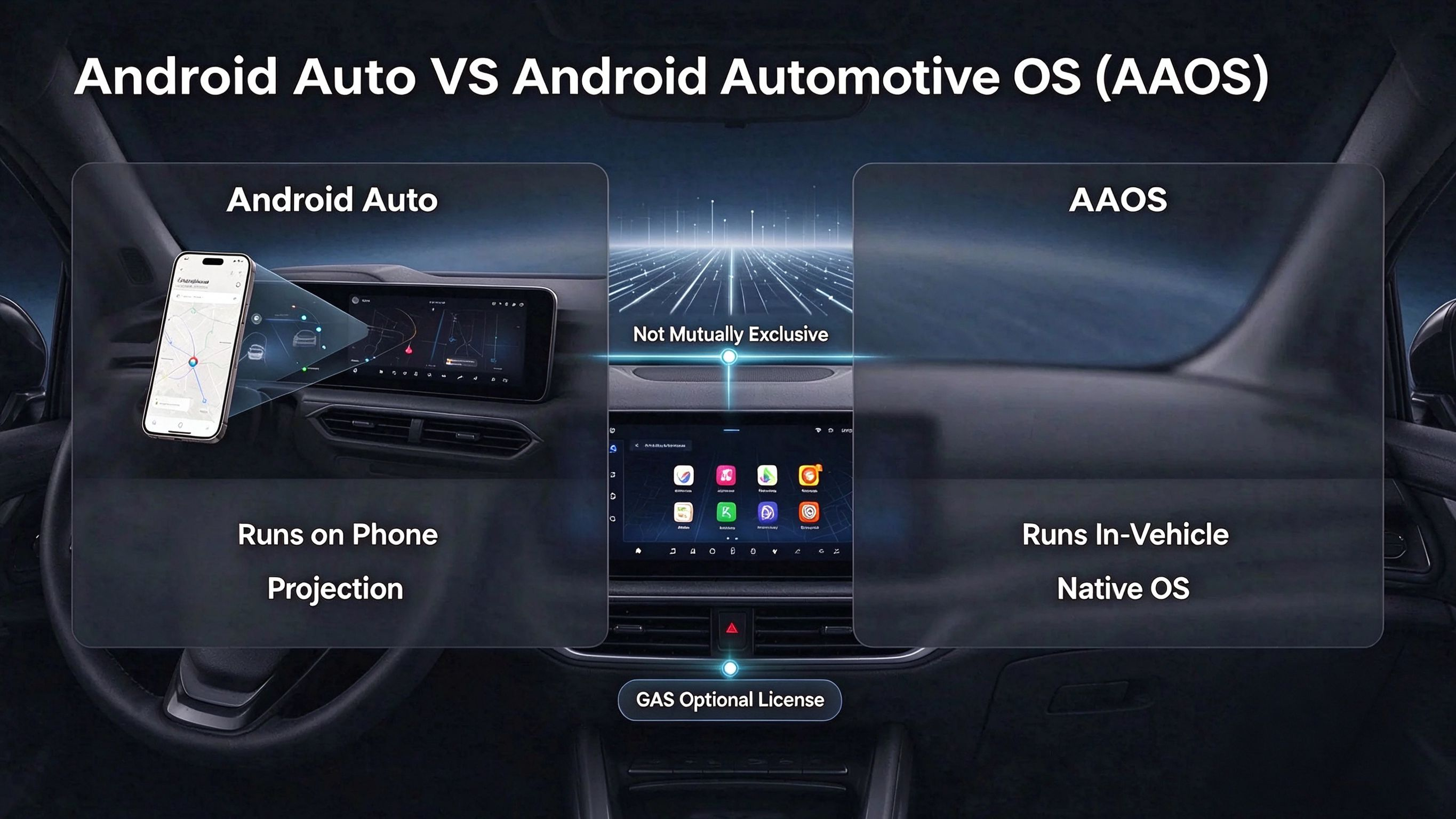
Distinguishing Android Auto from Android Automotive OS at Project Start
Leer artículo
 Blog
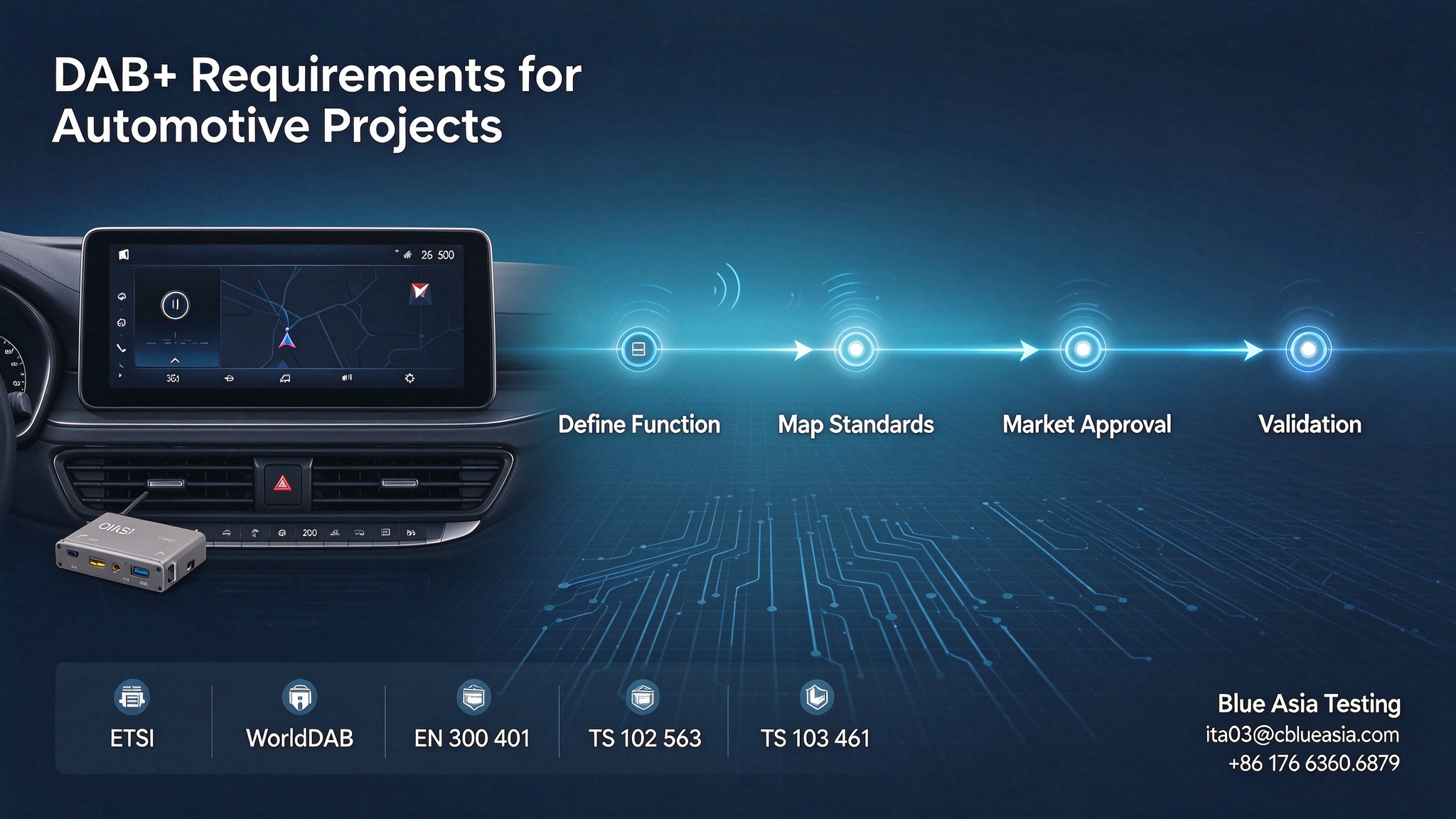
Defining DAB+ Requirements Before Starting an Automotive Project
Leer artículo
 Blog
Why Vehicle Type Approval Starts Before The First Prototype Exists
Leer artículo
 Blog
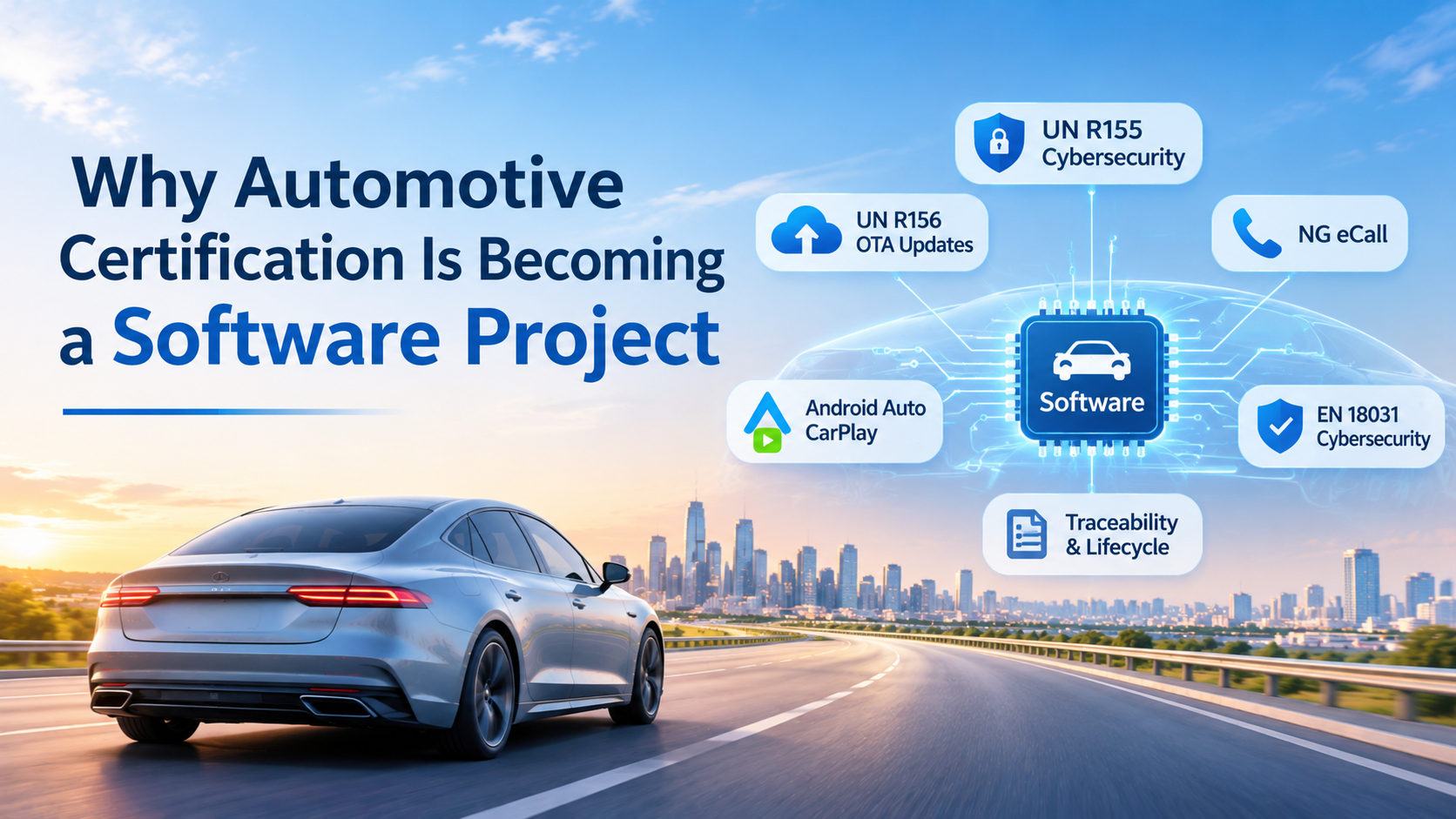
Why Automotive Certification Is Becoming a Software Project
Leer artículo
 Blog
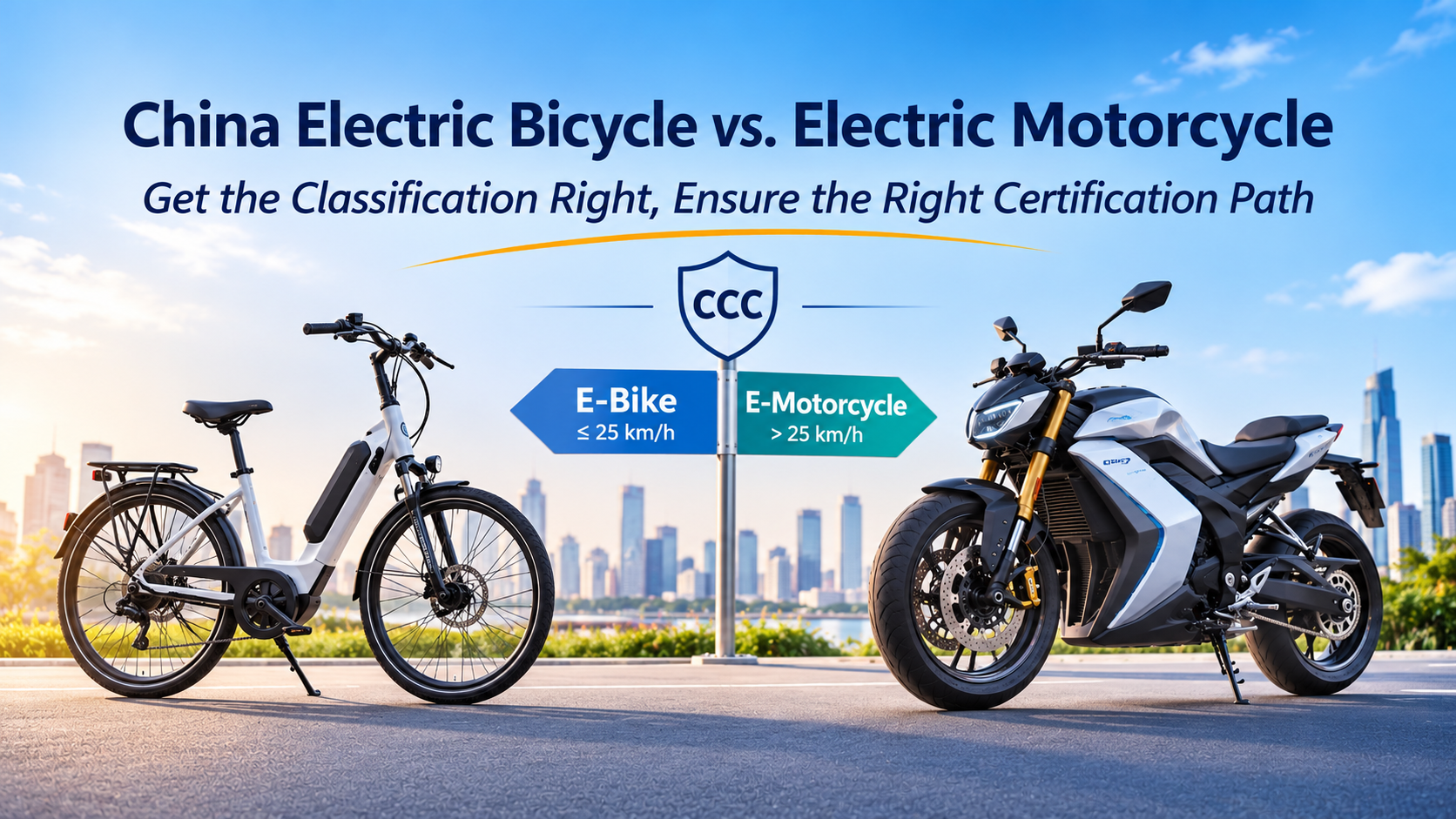
China Electric Motorcycle vs. E-Bike: Why Vehicle Classification Determines the Entire Certi
Leer artículo
 Blog
Your Vehicle Passed Type Approval. Can an OTA Update Make It Non-Compliant?
Leer artículo

 4000259520